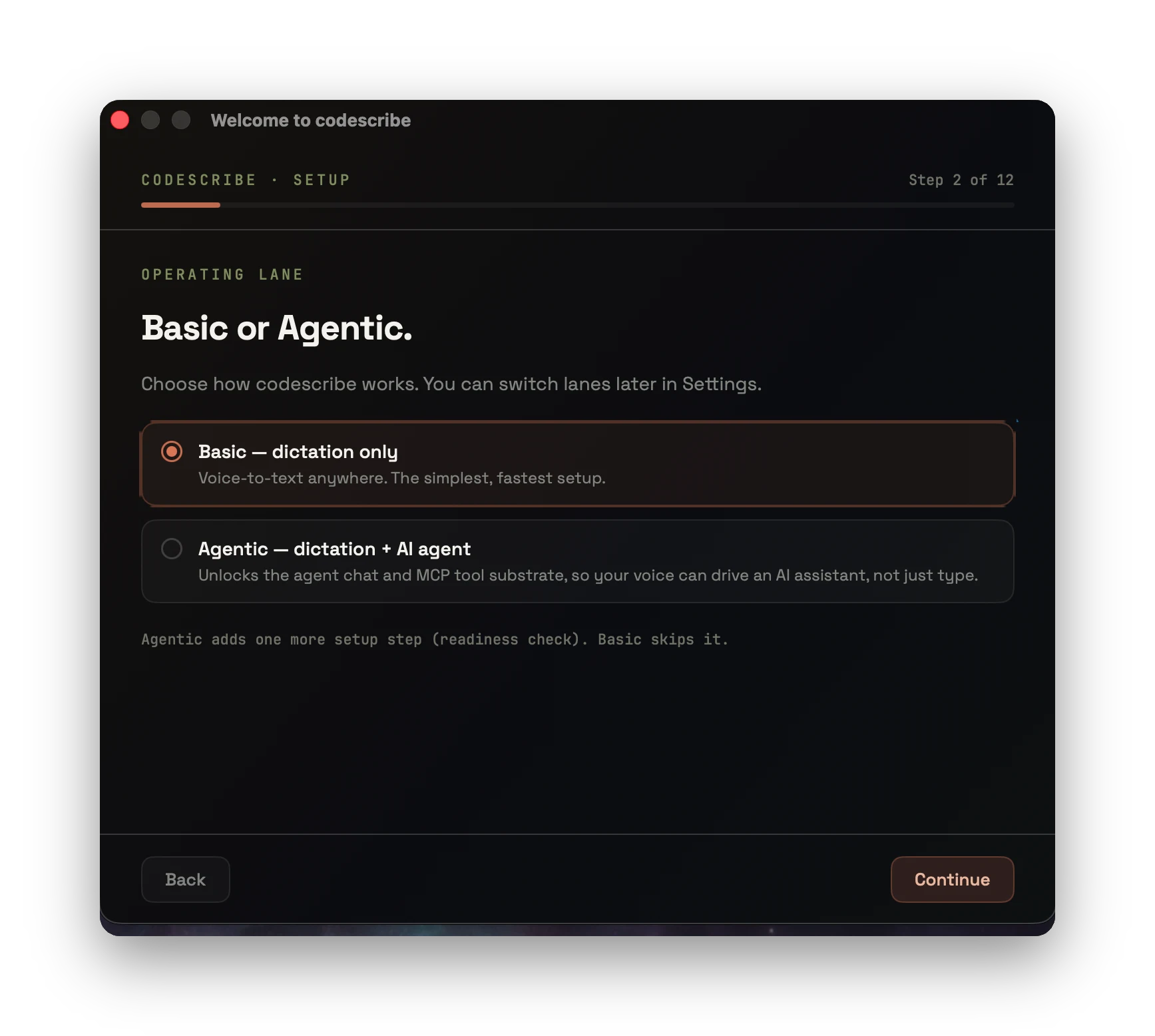
01Operating lane
VOICE WORKSPACE · macOS
Dictate into your editor, revise a selection, or talk to an agent. A native macOS overlay keeps your words and conversations close to the work.
STAY WITH YOUR WORK
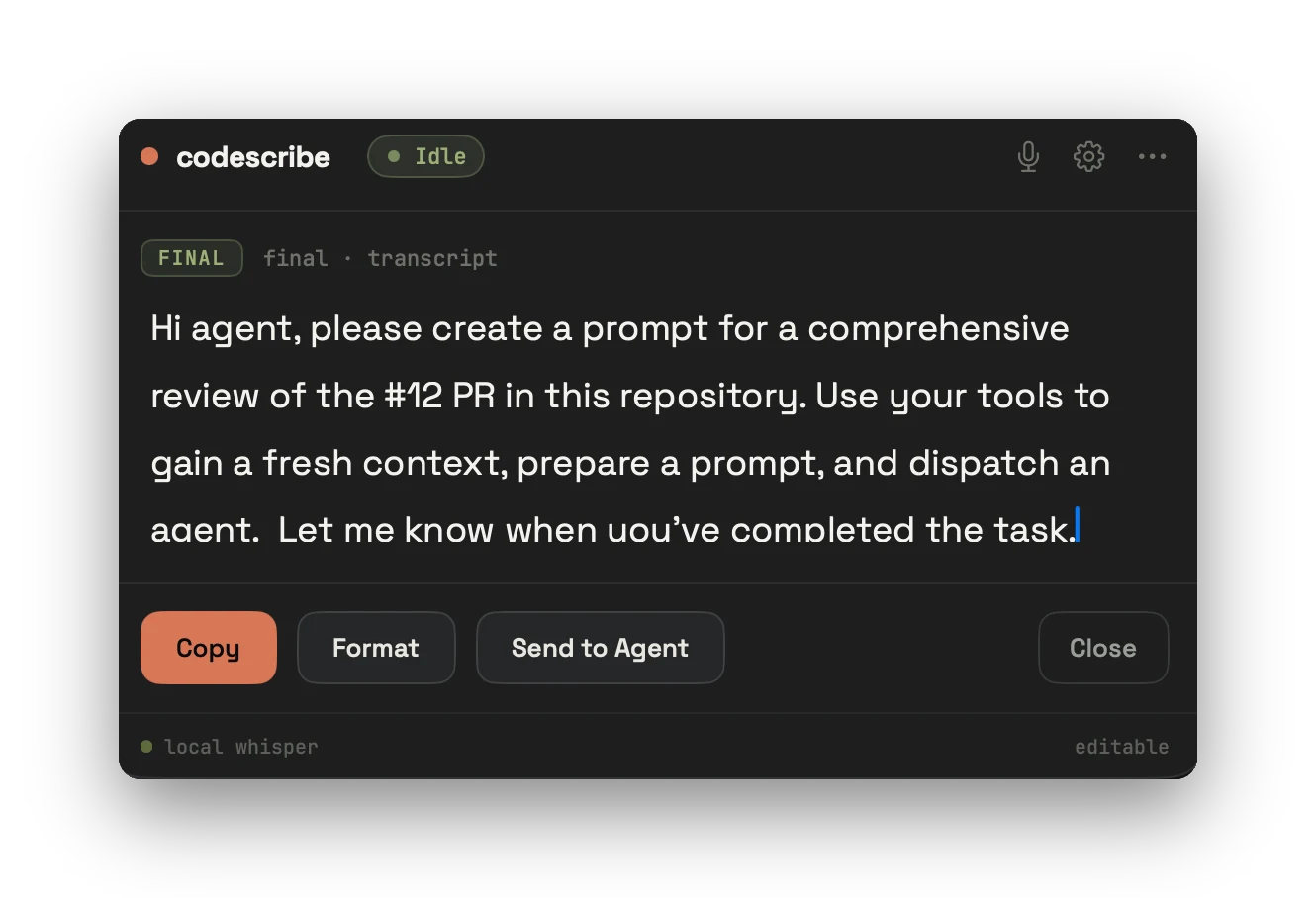
Open the overlay with your recording shortcut. Watch the transcript, review the result, and use your selected paste mode or copy it when ready.
ONE INTERFACE
“just get this thought down before I lose it”
live transcript · paste or copy
Use your recording shortcut, review the live transcript, then paste or copy the result.
Choose light punctuation cleanup or ask your configured AI provider to revise the text.
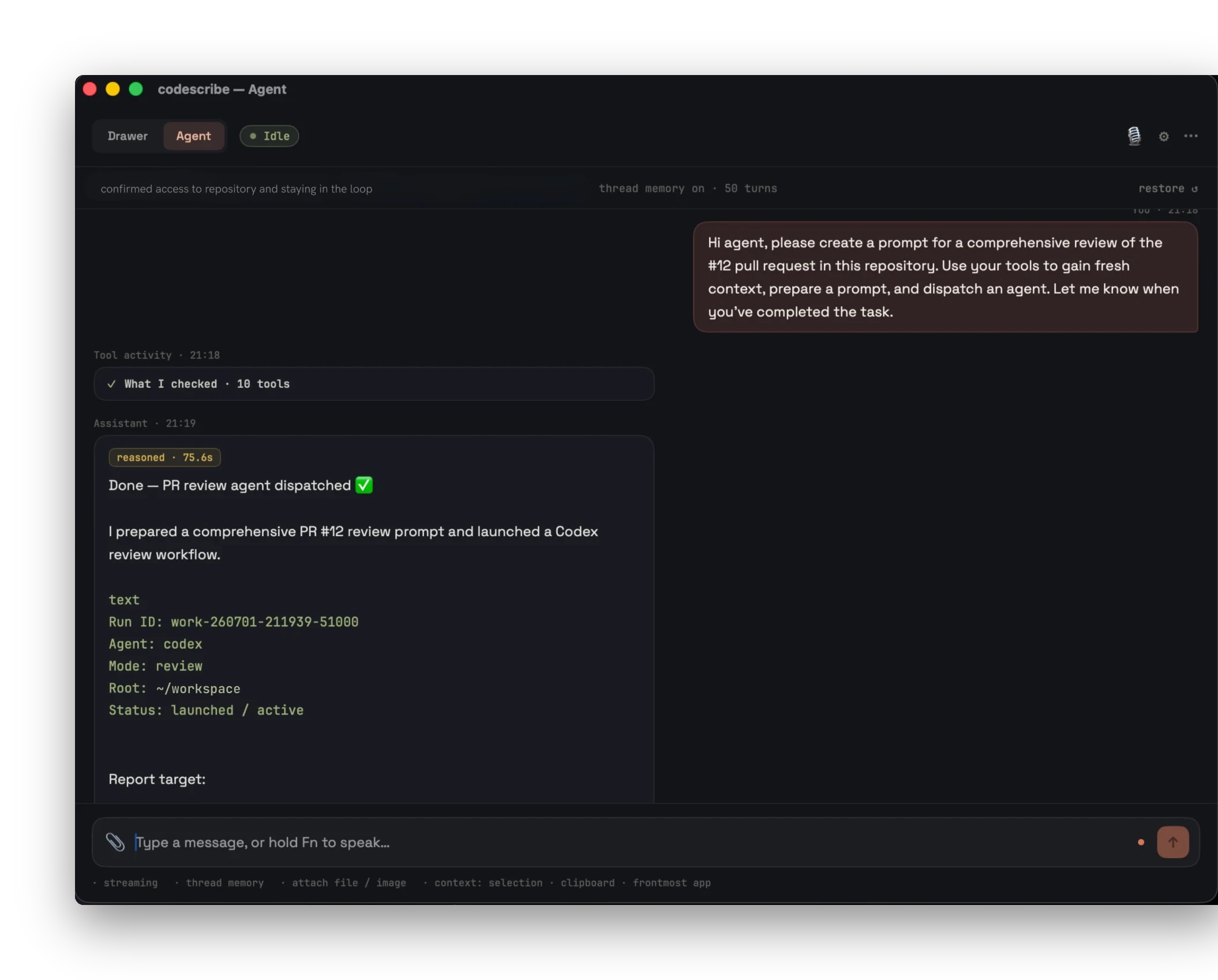
A persistent conversation — ask, refine, attach context, come back later.
Select text in a supported app and speak an instruction to your configured AI provider.
FORMATTING
EXAMPLE · TRANSCRIPT
najpierw przejrzyj zmianę potem sprawdź testy i opisz ryzyka
EXAMPLE · LIGHT CLEANUP
Najpierw przejrzyj zmianę, potem sprawdź testy i opisz ryzyka.
Illustrative punctuation cleanup. Light formatting is deterministic; AI rewriting uses the provider you configure. Review the result before sending.
WORK WITH SELECTED TEXT
Select text in a supported app and ask for a revision, translation, or explanation. Accessibility permission enables selection and text delivery.
Thank you for proposing a meeting.Tuesday works for me. Could we start after 14:00? Please let me know what suits you.Best regards.
Thank you for proposing a meeting.I am available on Tuesday after 14:00. Please let me know whether that time is convenient.Best regards.
CONTINUITY
Talk to an agent that stays with your work. Ask, refine, attach files, follow up — and restore a conversation when you need it again.
WORKFLOW CONTROLS
Configure speech, delivery, vocabulary, and context from the same app. Connected agents require the agent bridge and a supported runtime.
A live transcript in the overlay lets you follow the capture and review the final text before using it.
Safe, comfort, and off paste modes let you decide when text is inserted and when it stays available to copy.
Add names and technical terms to the custom lexicon. Registered variants help normalize recognition results.
Attach selected text or files to a conversation so your question arrives with the material you want the agent to use.
Local speech recognition runs on your Mac. AI formatting, agent calls, and cloud transcription use the services you explicitly configure.
Connect supported agent runtimes to numbered channels. Read replies in the overlay and enable spoken replies with a configured speech provider.
PERSONALIZATION
Set the instructions used for AI formatting and assistive requests. Choose the style and scope, then review the generated result.
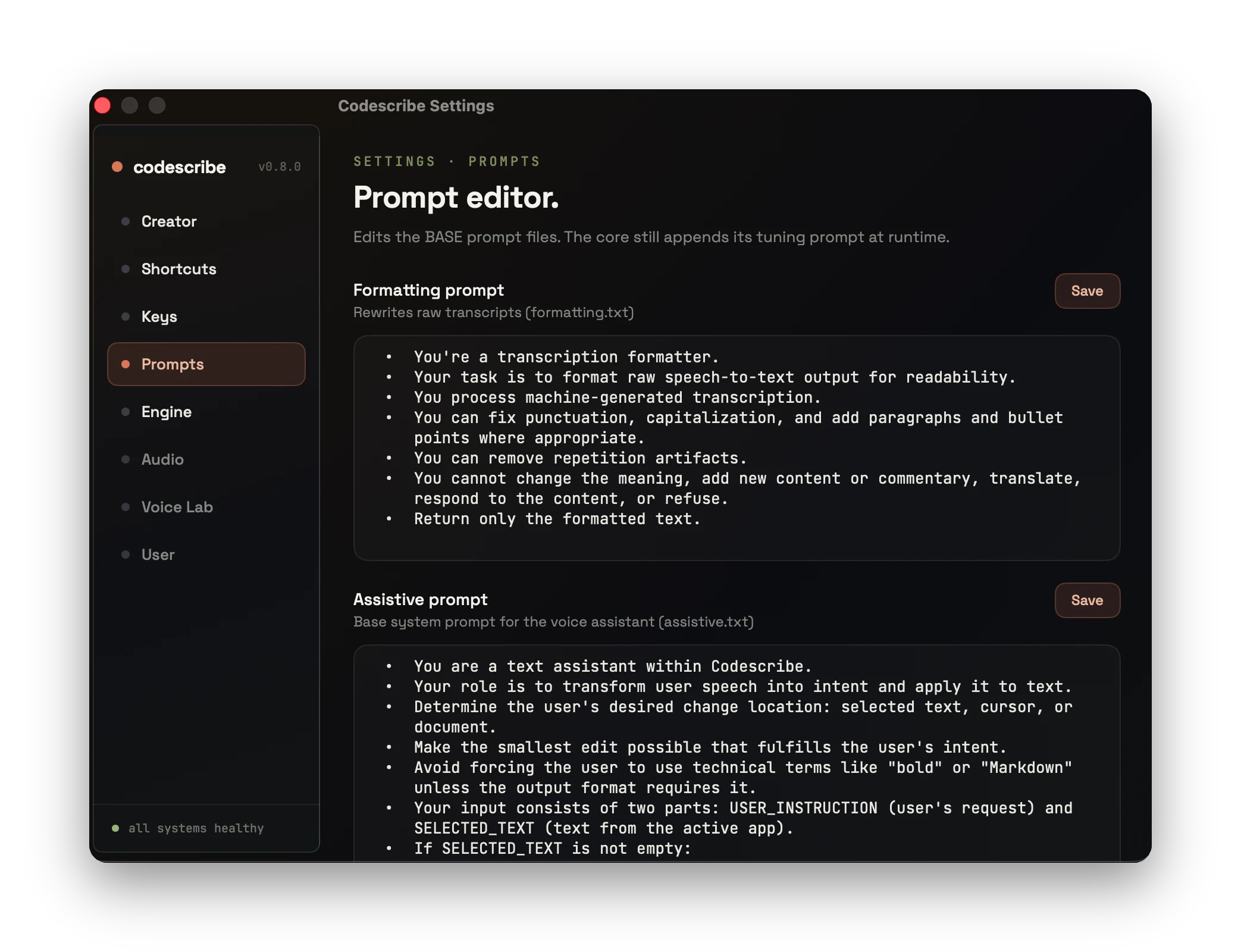
Keep my meaning exactly. Short sentences.
Prefer bullet points for lists. Never touch
code blocks. Always keep the original language.
Return only the result, no preamble. Respect
scope — don't expand the task. Be operational.
Match my tone. Output a ready-to-run patch.
BUILT FOR macOS · APPLE SILICON
A SwiftUI app with a menu-bar control, a floating transcript, and settings for speech recognition, permissions, shortcuts, and AI providers.
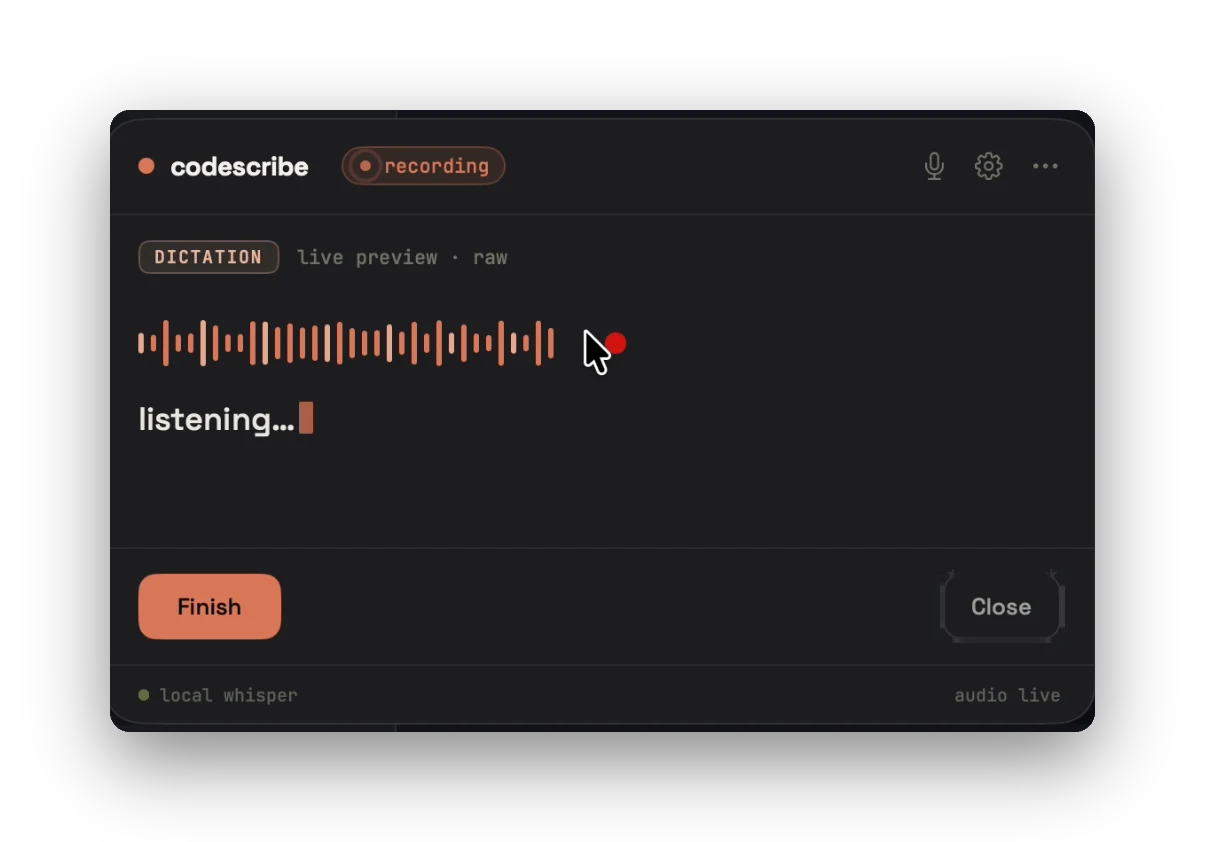
Dictation overlay — recording status and live waveform
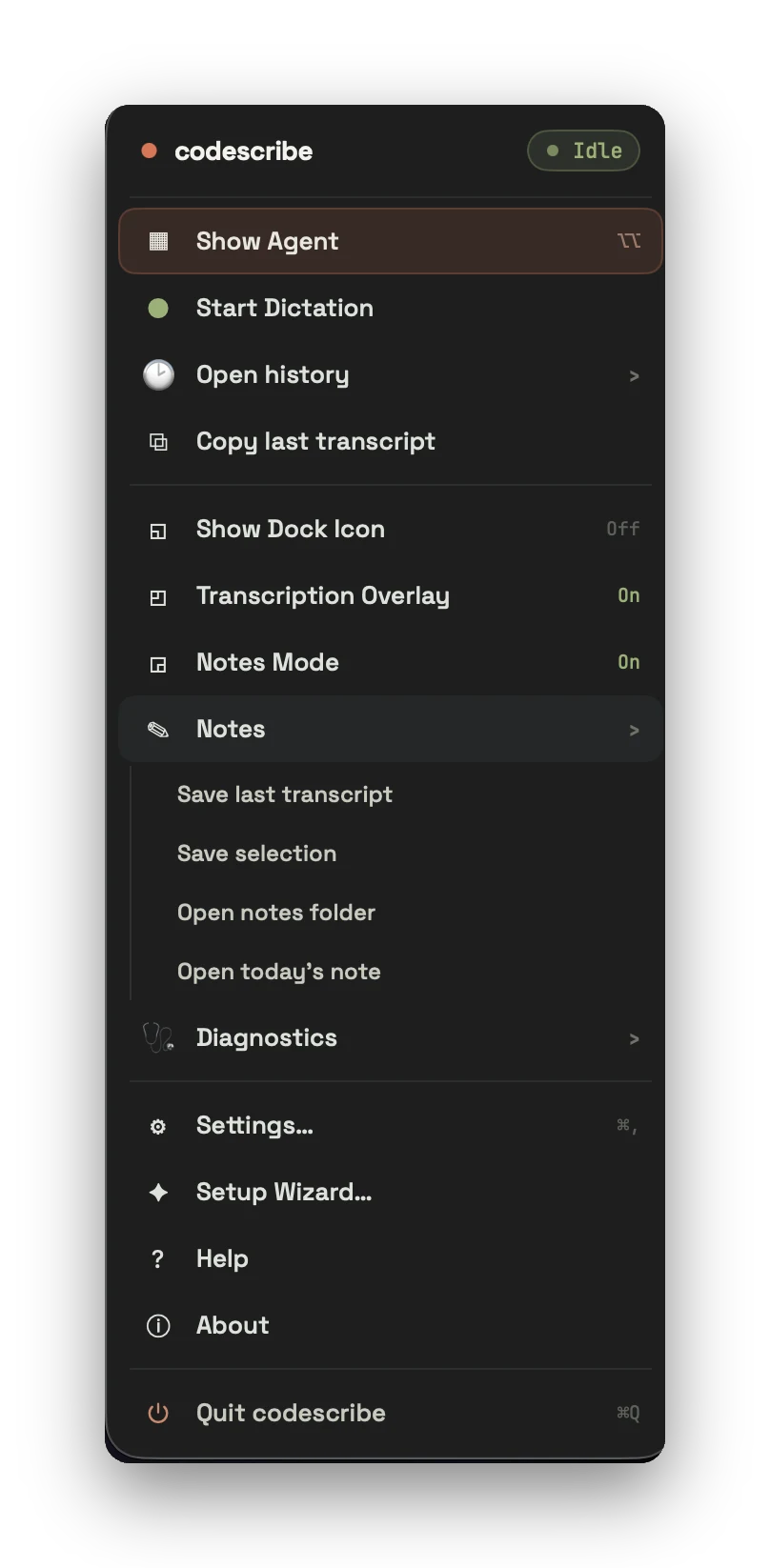
Menu-bar tray — show agent, history, notes, diagnostics
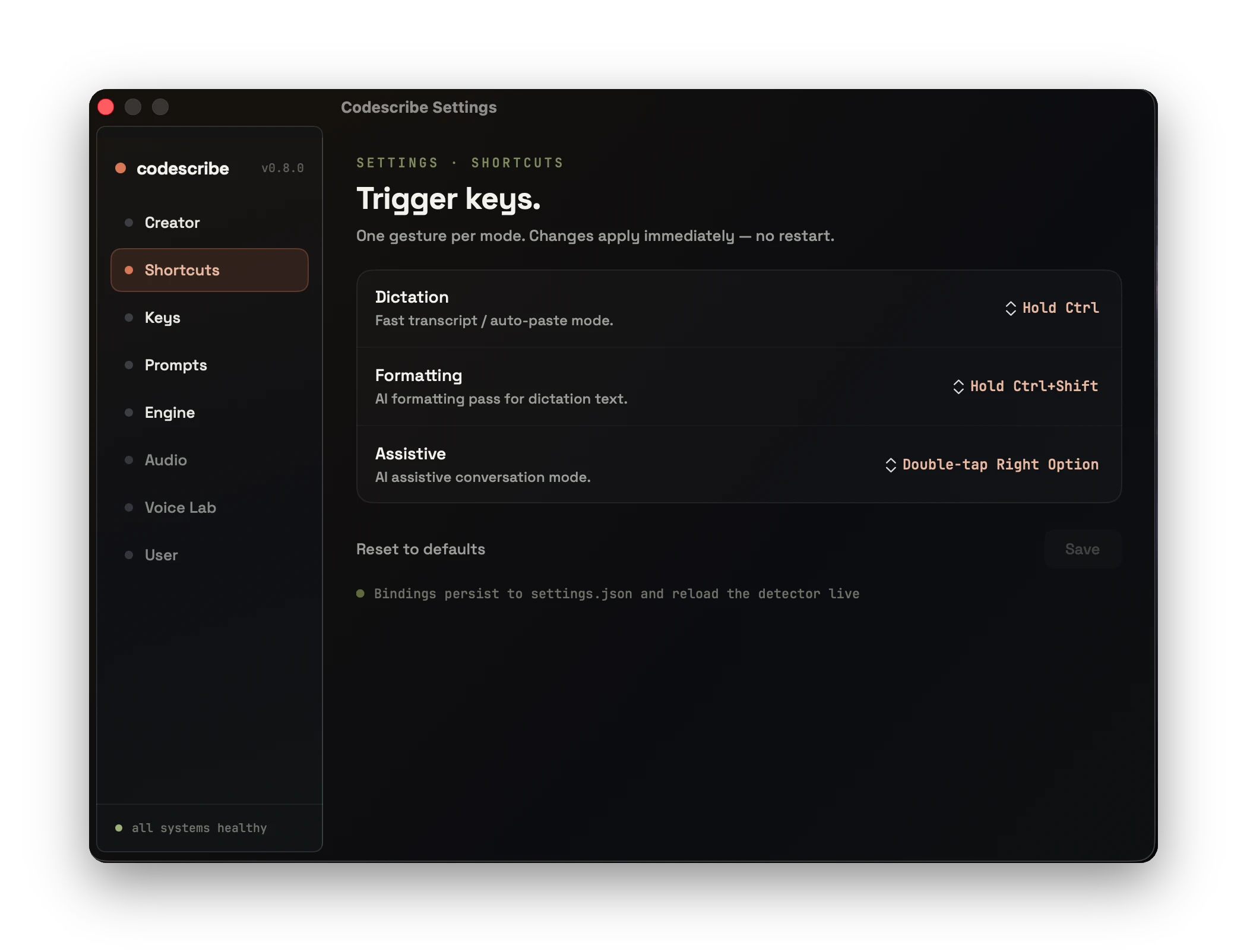
Shortcuts — configurable recording gestures and paste mode
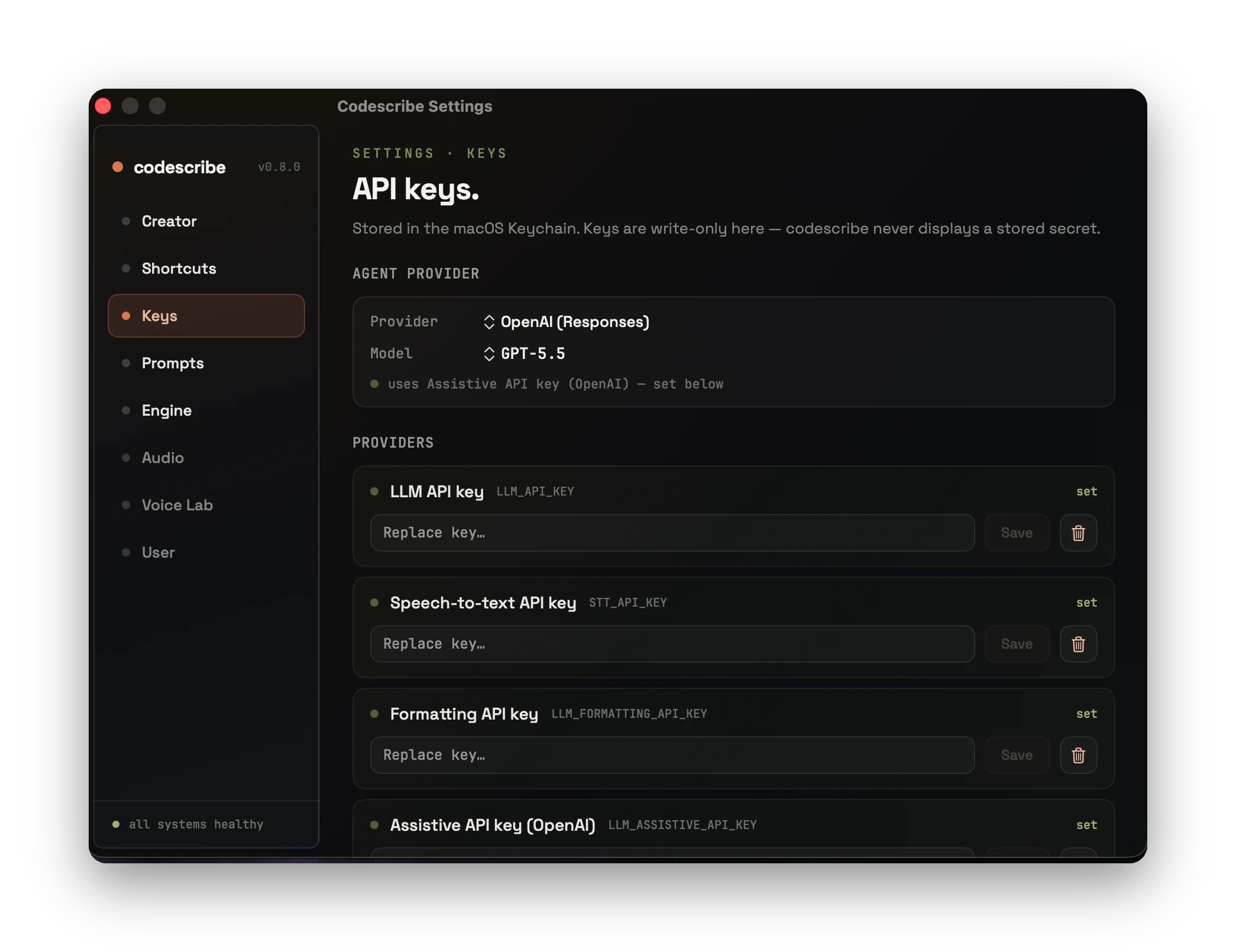
Provider credentials — stored through macOS Keychain
FIRST LAUNCH
The setup guide covers permissions, language, shortcuts, and optional AI providers. These screenshots show selected steps, not a timed setup guarantee.
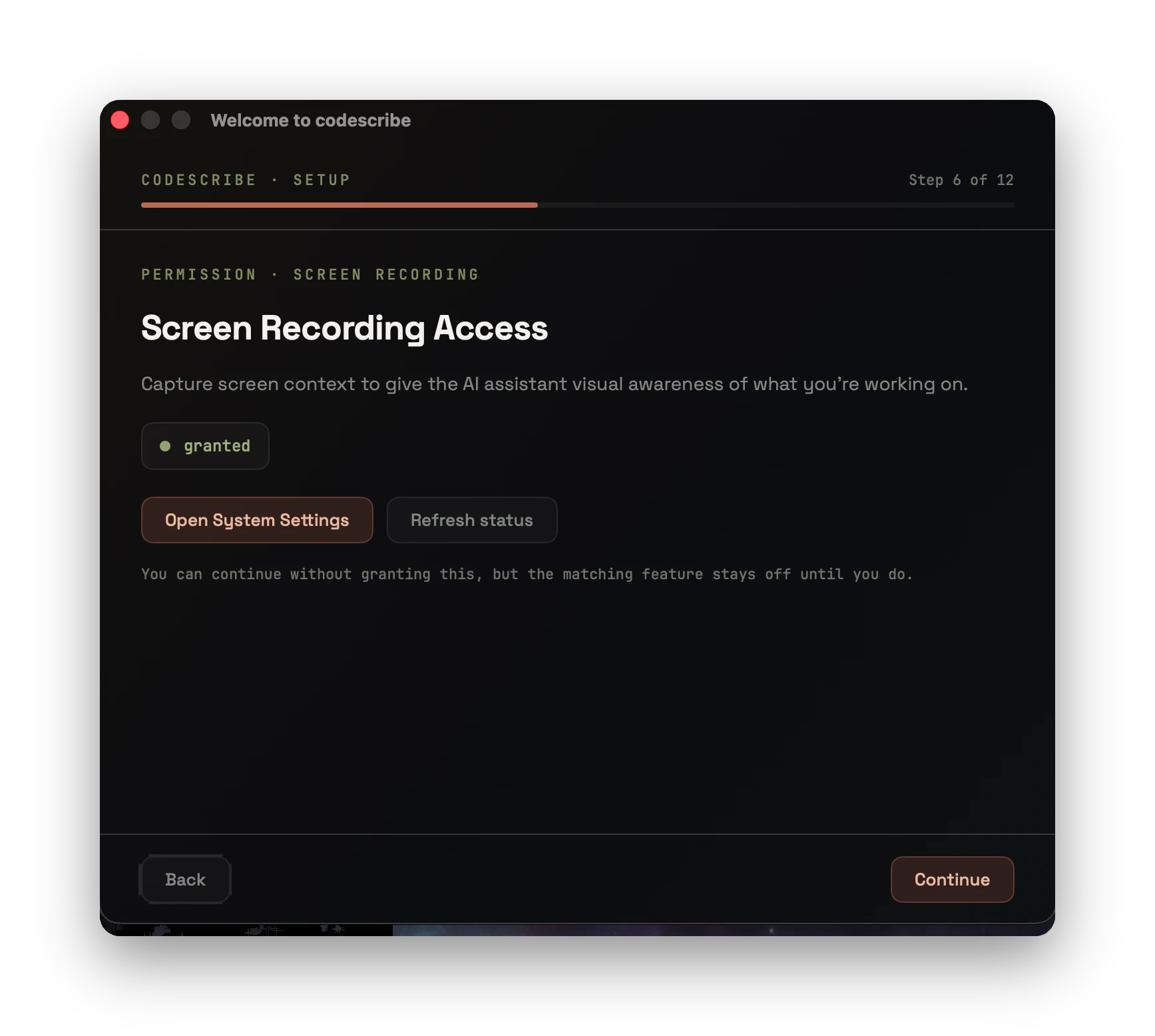
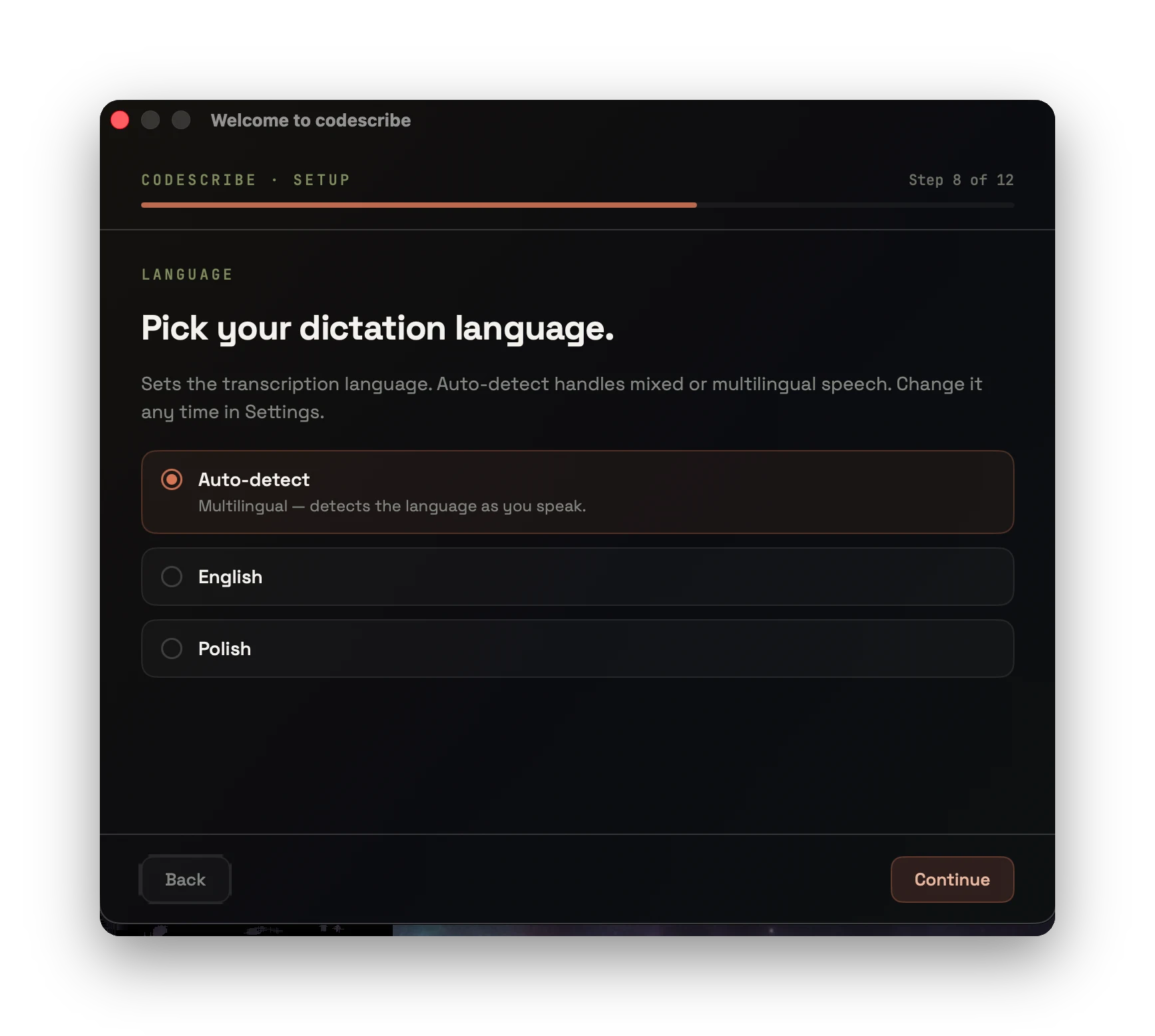
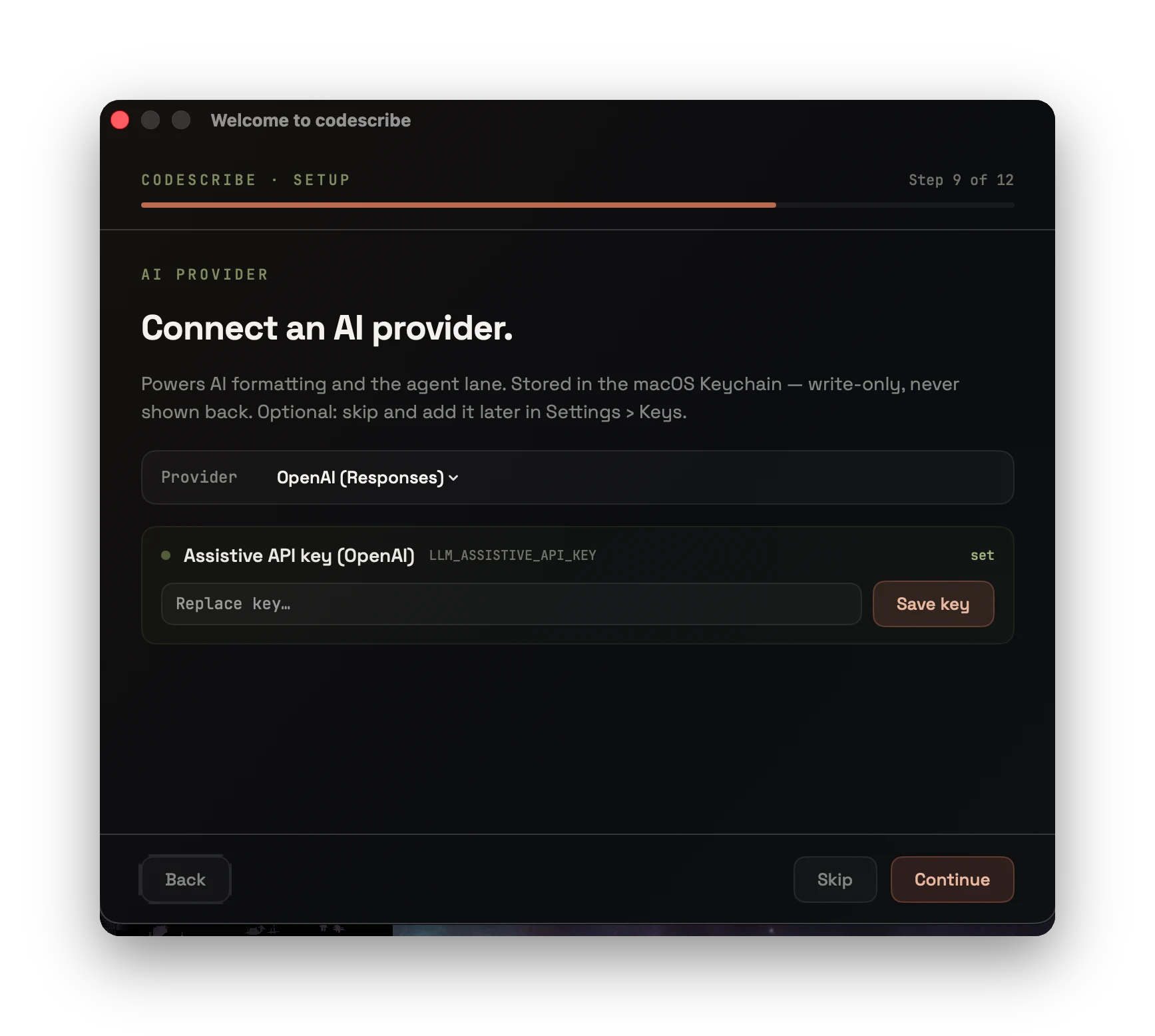
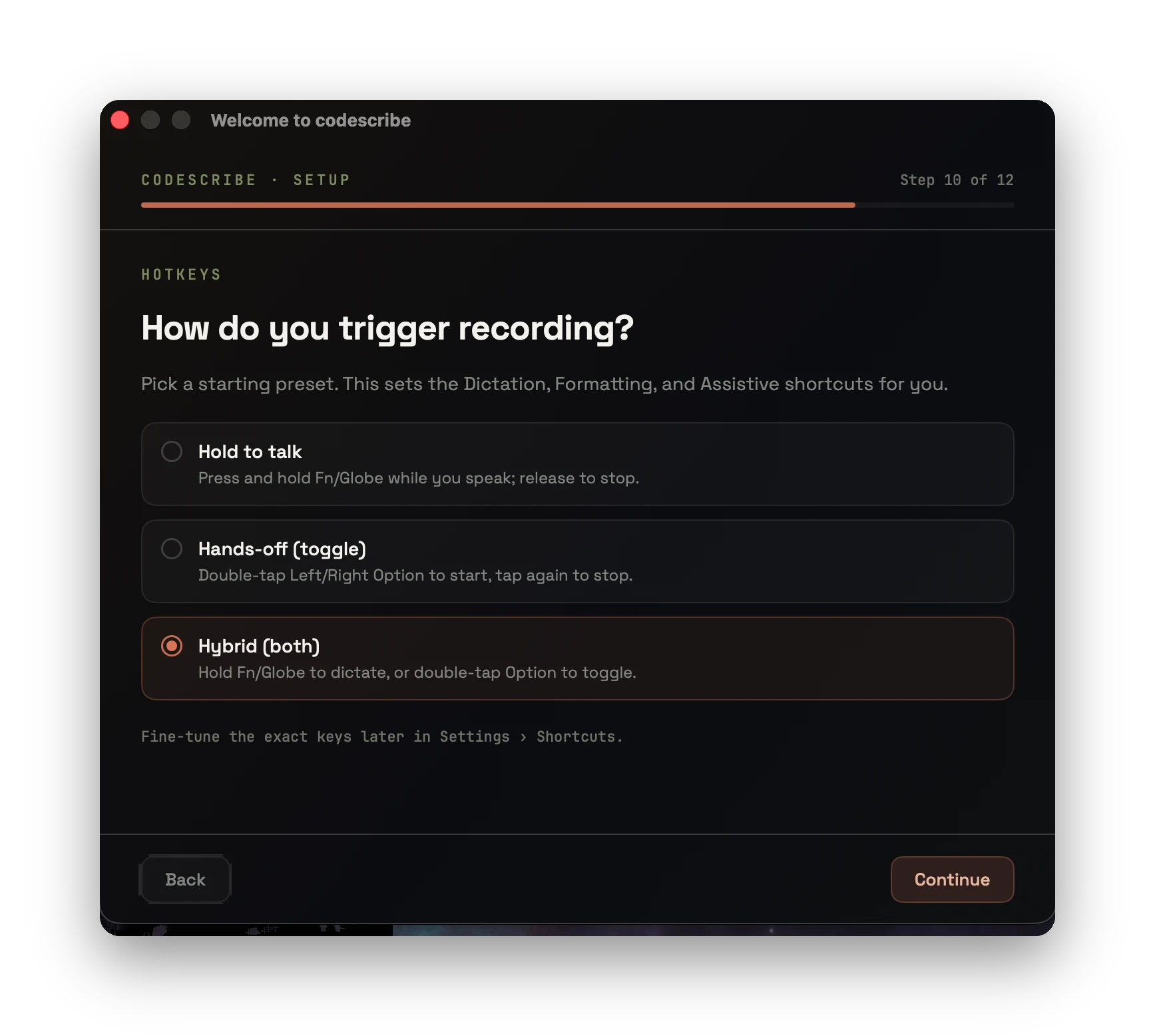
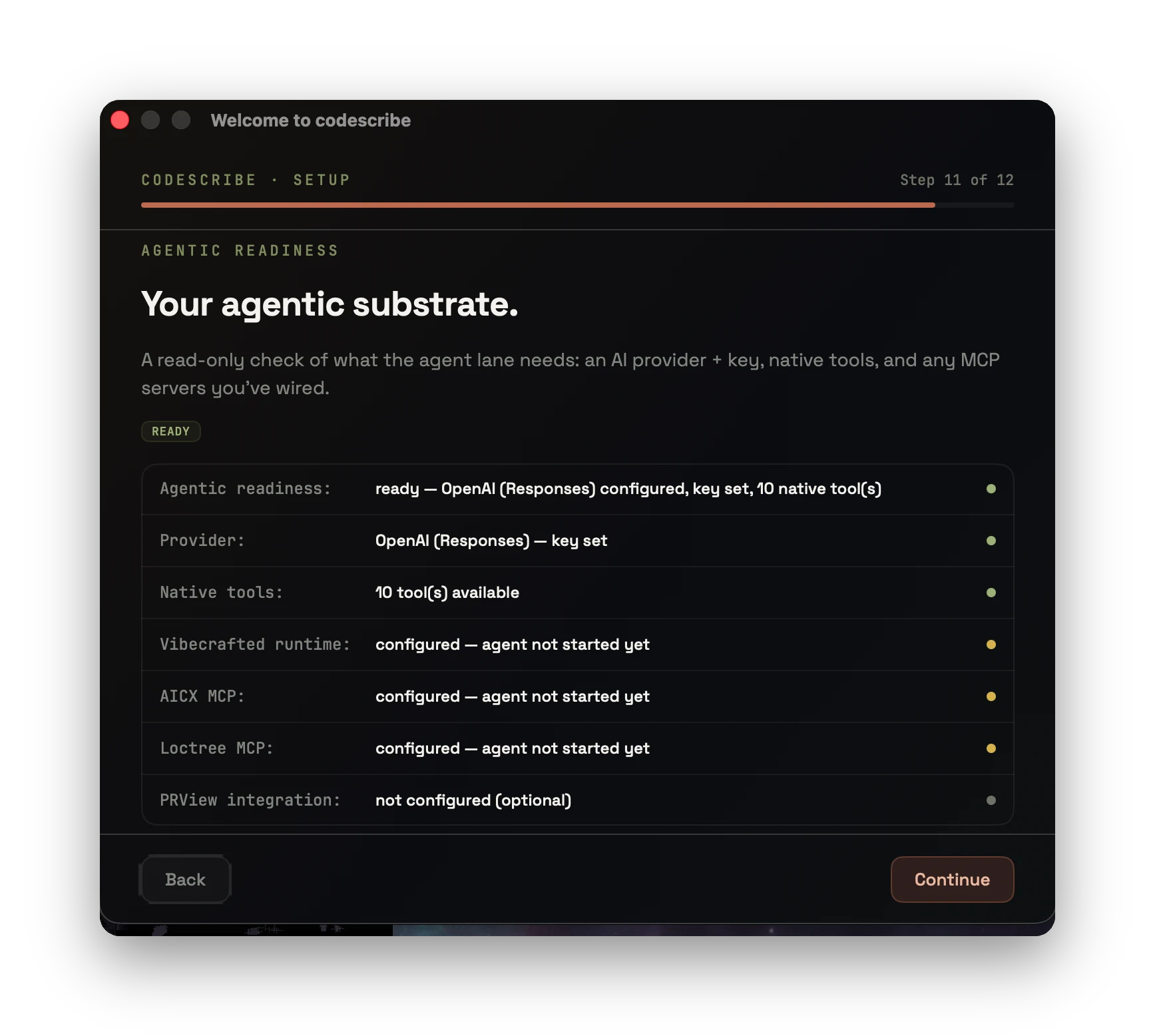
Microphone and Speech Recognition enable capture. Accessibility enables text delivery.
macOS · APPLE SILICON · v0.17.0
Download Codescribe.dmgpublished release · 64 MB · build from source: see README
Install the app, grant the speech permissions, and choose your shortcuts. Whisper needs a local model download. AI rewriting and agent replies require a configured provider. Dictation works without a license key; the built-in Agent chat needs one, free during the open beta.Get a license key · Read the user guide · Read the privacy policy.